
Can I edit a pending order?
You can now edit your pending orders directly from the app. To do so, follow these steps:
- • Open the Raseed app and go to the stock for which you have a pending buy or sell order.
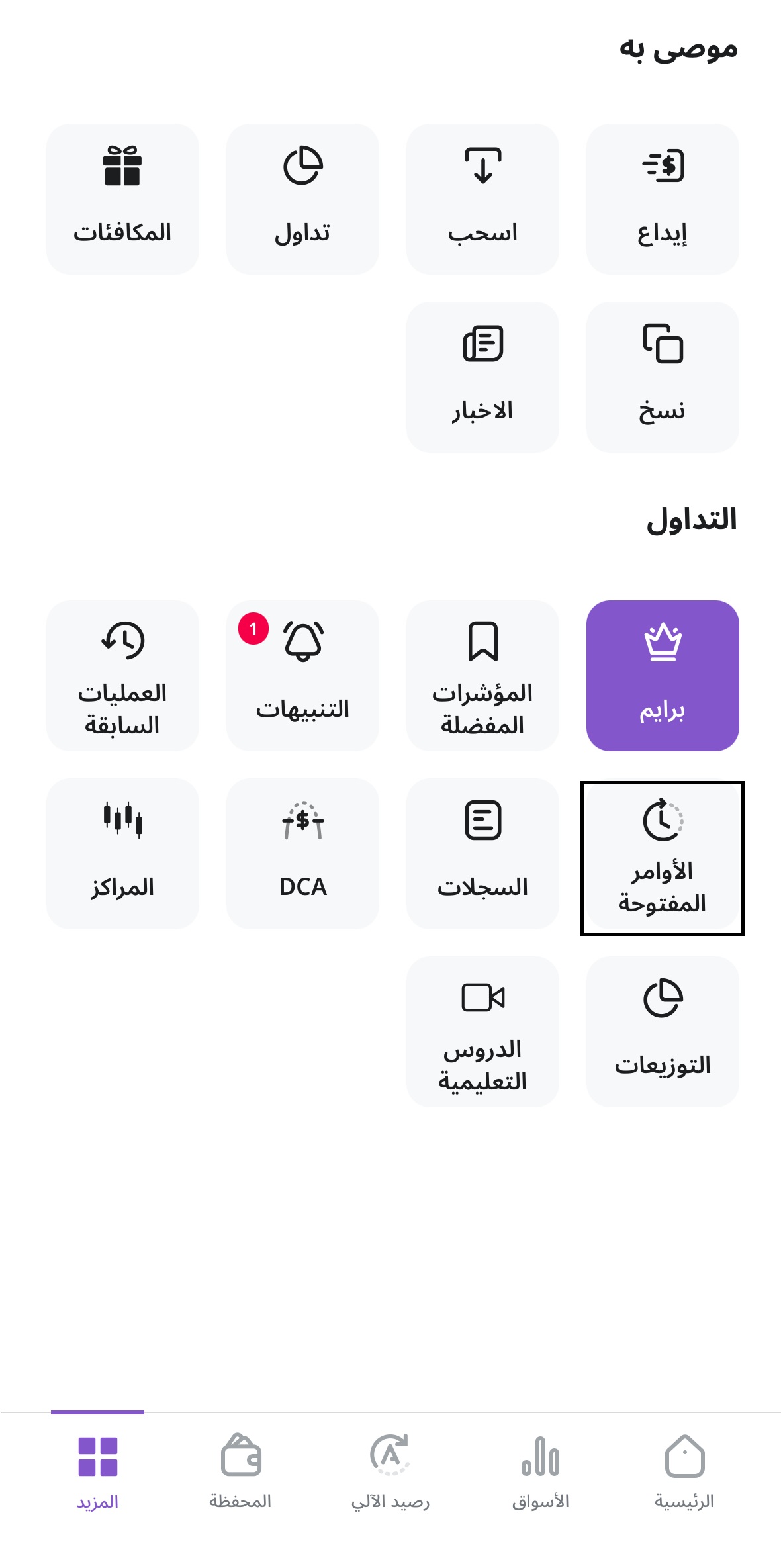
- •Select the pending order you want to modify.

- •Update either the quantity or the limit price.
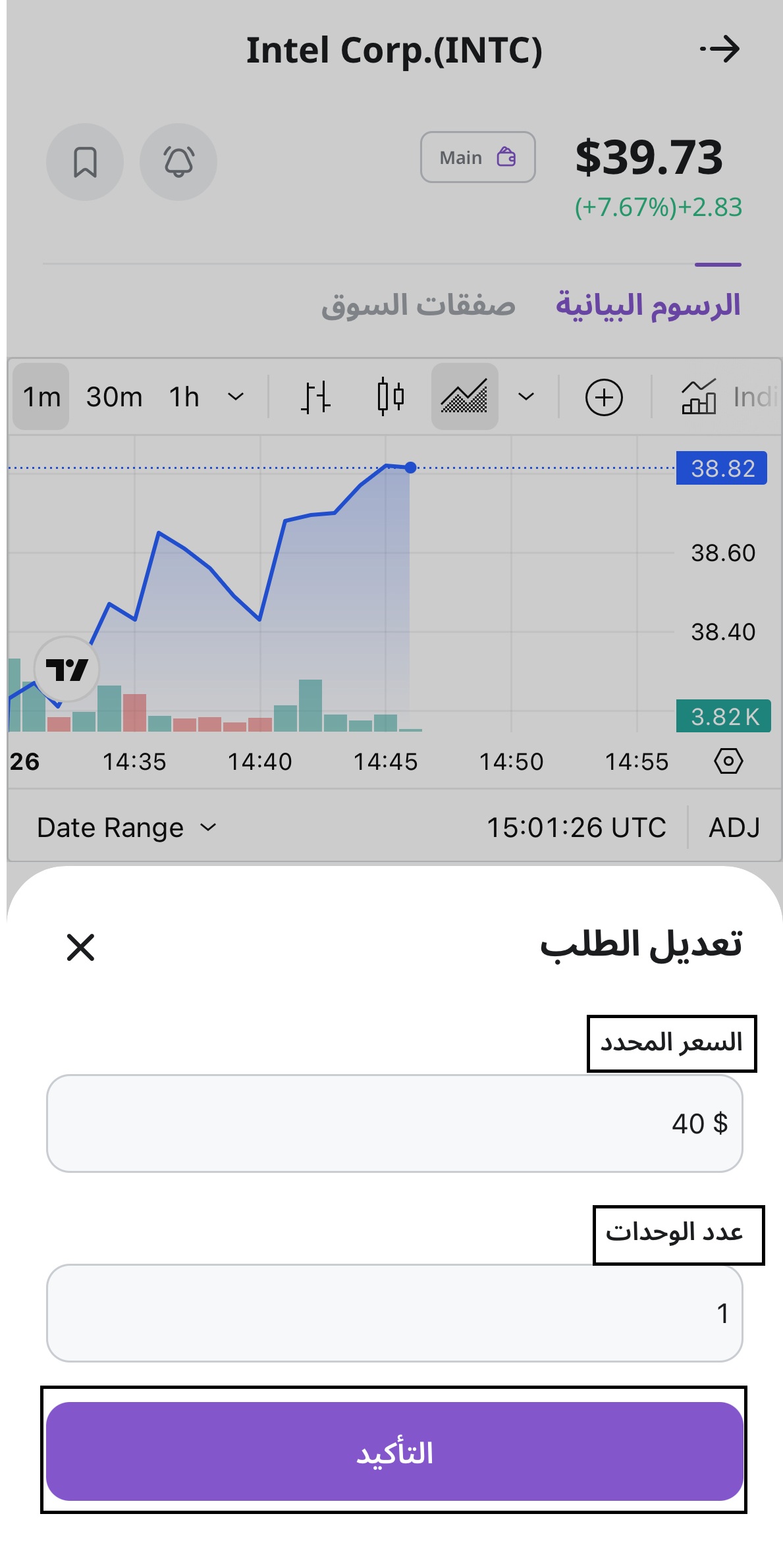
Review the changes and tap Confirm to apply them.
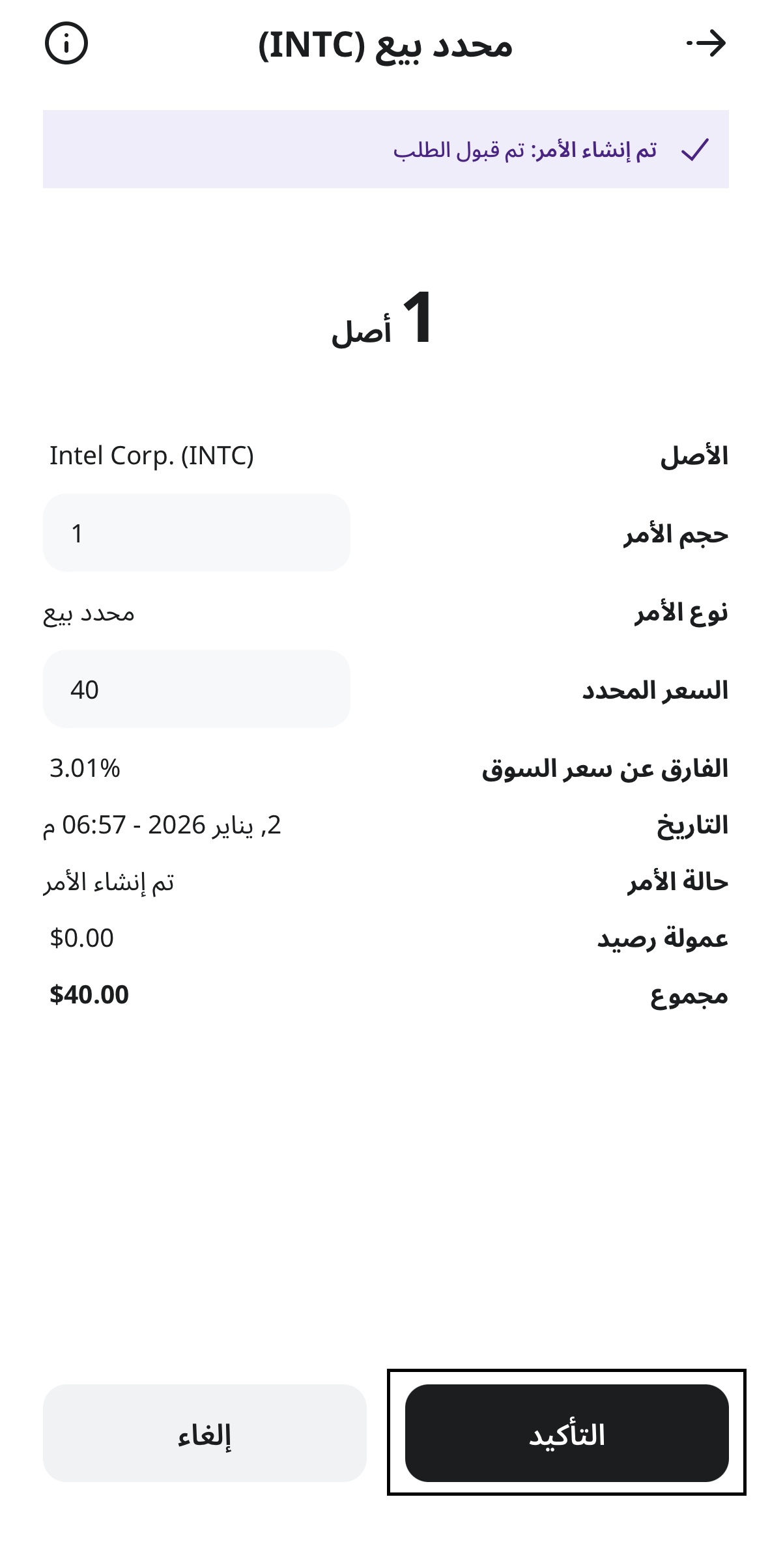
Note: Editing pending limit orders before they are executed is currently available for supported assets. Before attempting to modify an order, please check within the Raseed app whether the selected asset supports order editing, as this feature is not currently available for all assets.